![[logo]](logo.png)
Alright, we have used Bittorrent and we know what we're doing, right? Wrong. We can make our Bittorrent
downloads much faster if we are willing to open a few ports on our router. If your read the information
in some of the links on the previous page, you'll understand why, but for sake of time, let's just say it's
true. Now, opening ports on your router is always more dangerous that not having them open, but you have
to weigh it out in your own mind as to whether it's a tolerable risk to get much, much faster downloads.
If you do decide that it is a suitable risk, then we'll need to go into our router and port forward one or
more of the ports 6881 through 6889 to the machine inside of our network that we want to download torrents
with. The best I can tell is that each bittorrent client download will use one port, so if you want to do
three or less simultaneous torrent downloads, you should only open up three of those ports. Different routers
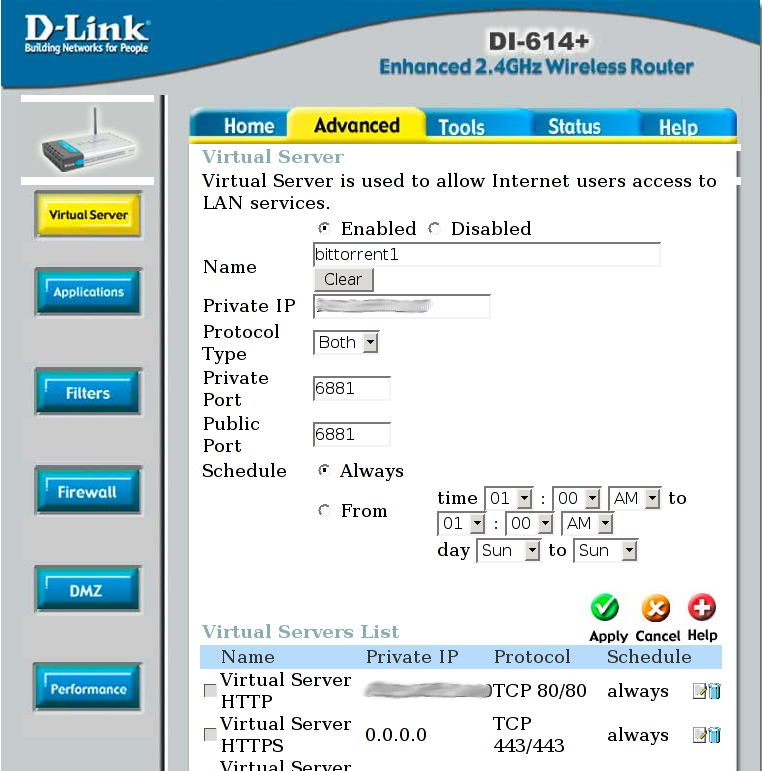
have different ways of opening up ports, but they should all require the external port number (6881) the
internal port number (6881) and the internal machines IP address (192.168.0.x) to forward the port. I have
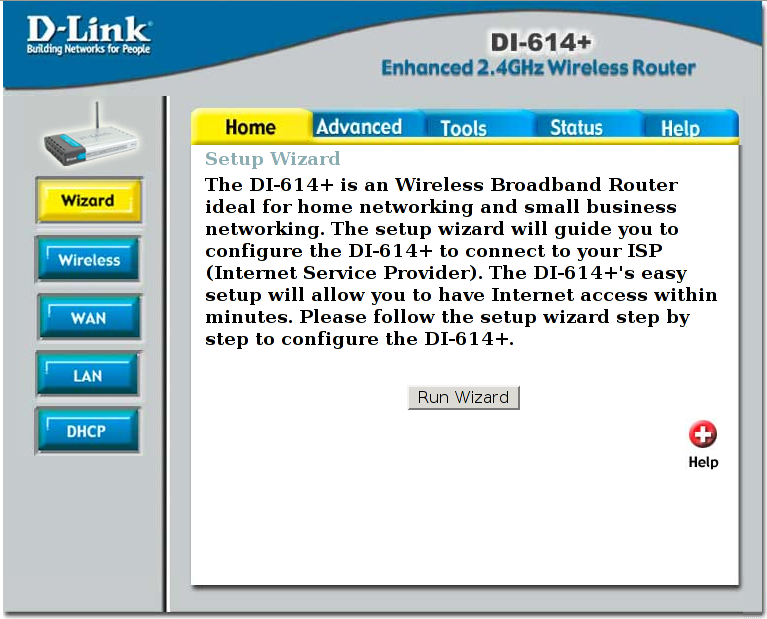
included some screenshots of my router config page during the operation (with the IPs smudged out) for you
to see. The first is the main screen once you have logged in, then I click on the Advanced tab and the
second one is a shot of the screen during the setup of the port forward.