![[logo]](logo.png)
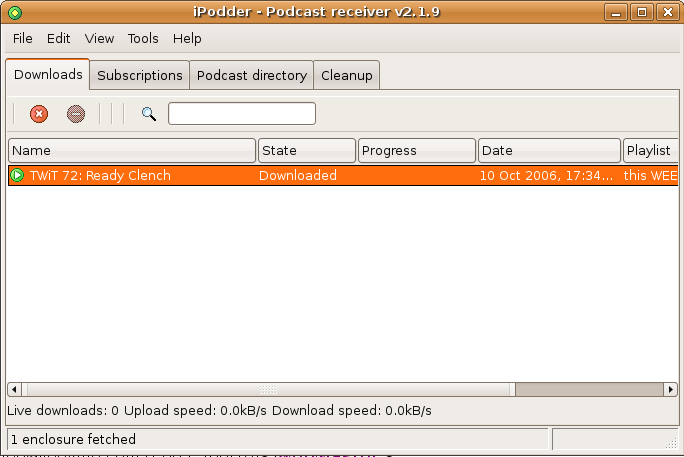
Now just so that I can go ahead and listen to the latest podcasts, I click the "Catch Up" button (a yellowish button with an arrow and a small clock). IPodder proceeds to download the latest episodes of my subscribed podcasts. Now I switch to the "Download" tab and I click the play icon (little green play arrow) next to the podcast episode that I want to hear and IPodder launches my default audio application (XMMS on my box) and starts playing the podcast.